
Library · Reading journal
The books you own.The readings you make.
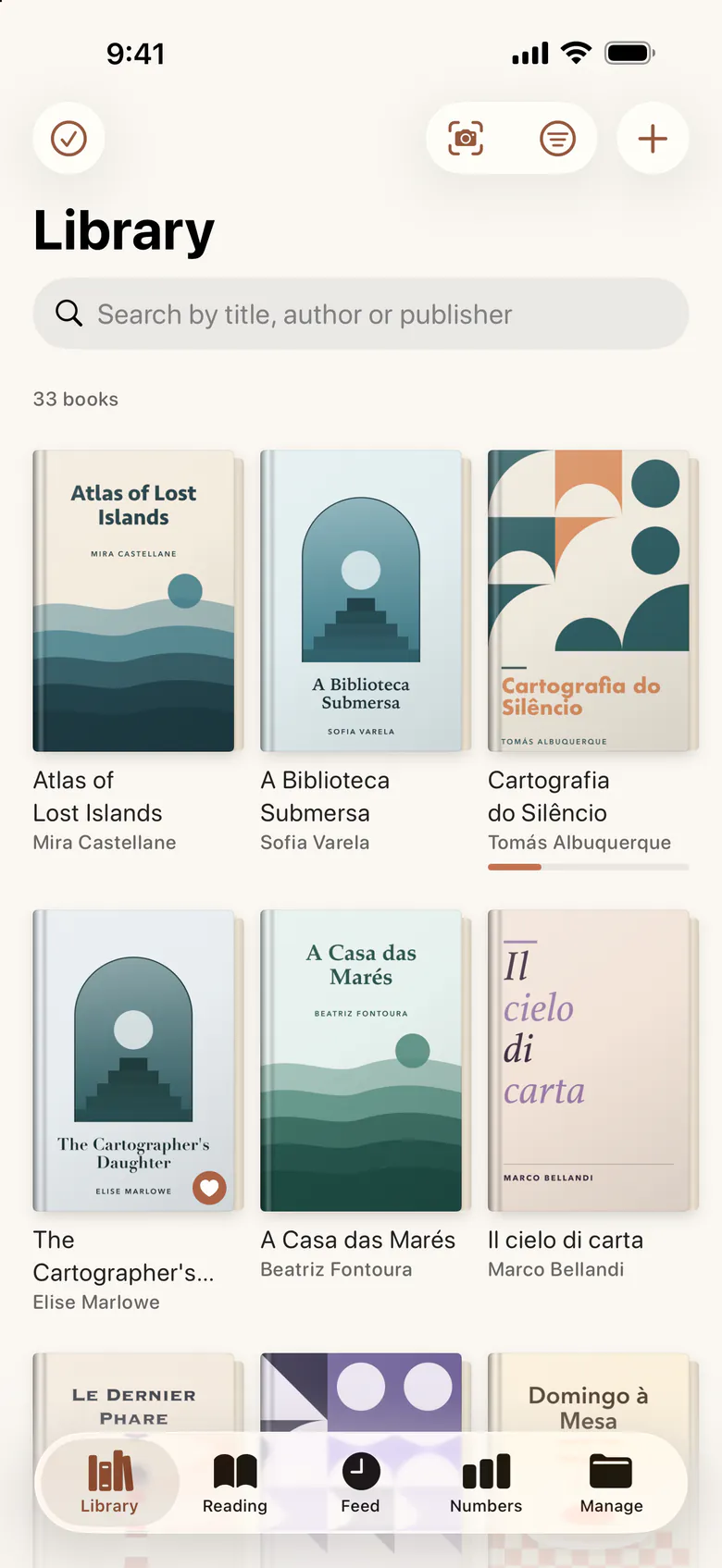
Dousha is a catalogue of the shelf at home and a journal of what you read on it, paper, digital or audio, on your iPhone and iPad, with no account and no sign-up.
Coming soon to the App Store, for iPhone and iPad.
Features
Everything a reader keeps
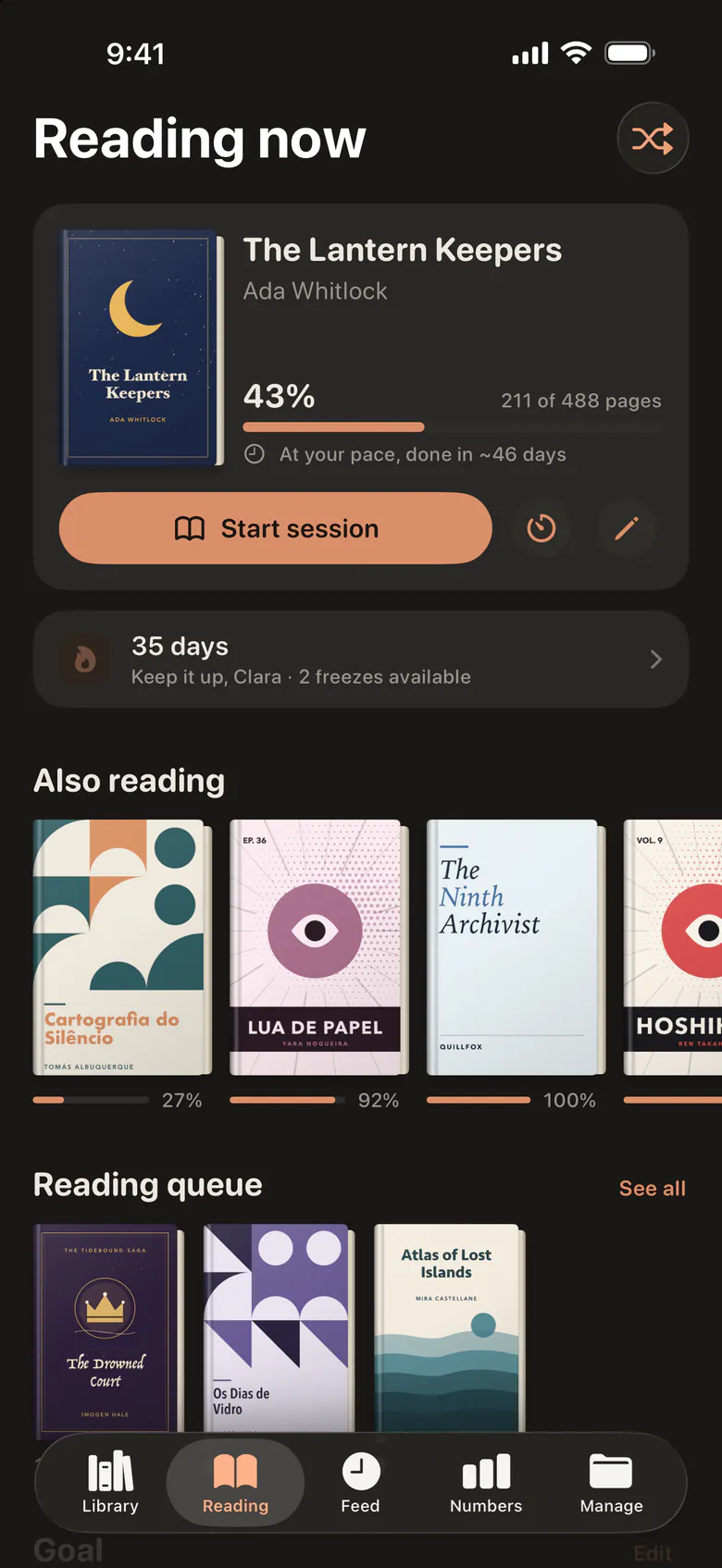
A library, a desk, a diary and a few friends. Each part of the app answers one question.
Every book
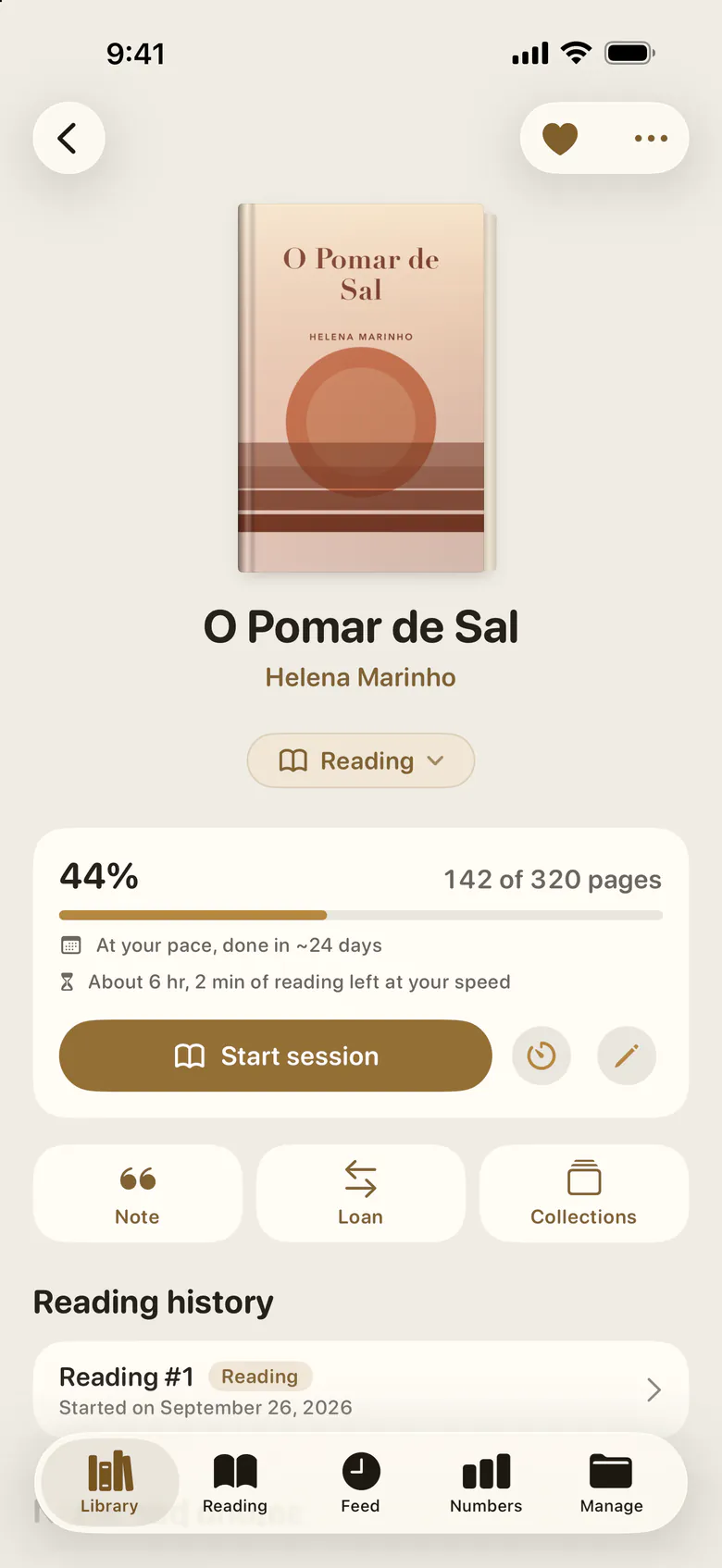
A page for every book
Paper, ebooks, audiobooks and manga, each measured the way it is read: pages, chapters, minutes, locations or percent. Its sessions, notes, quotes, loans and every reread stay with it.
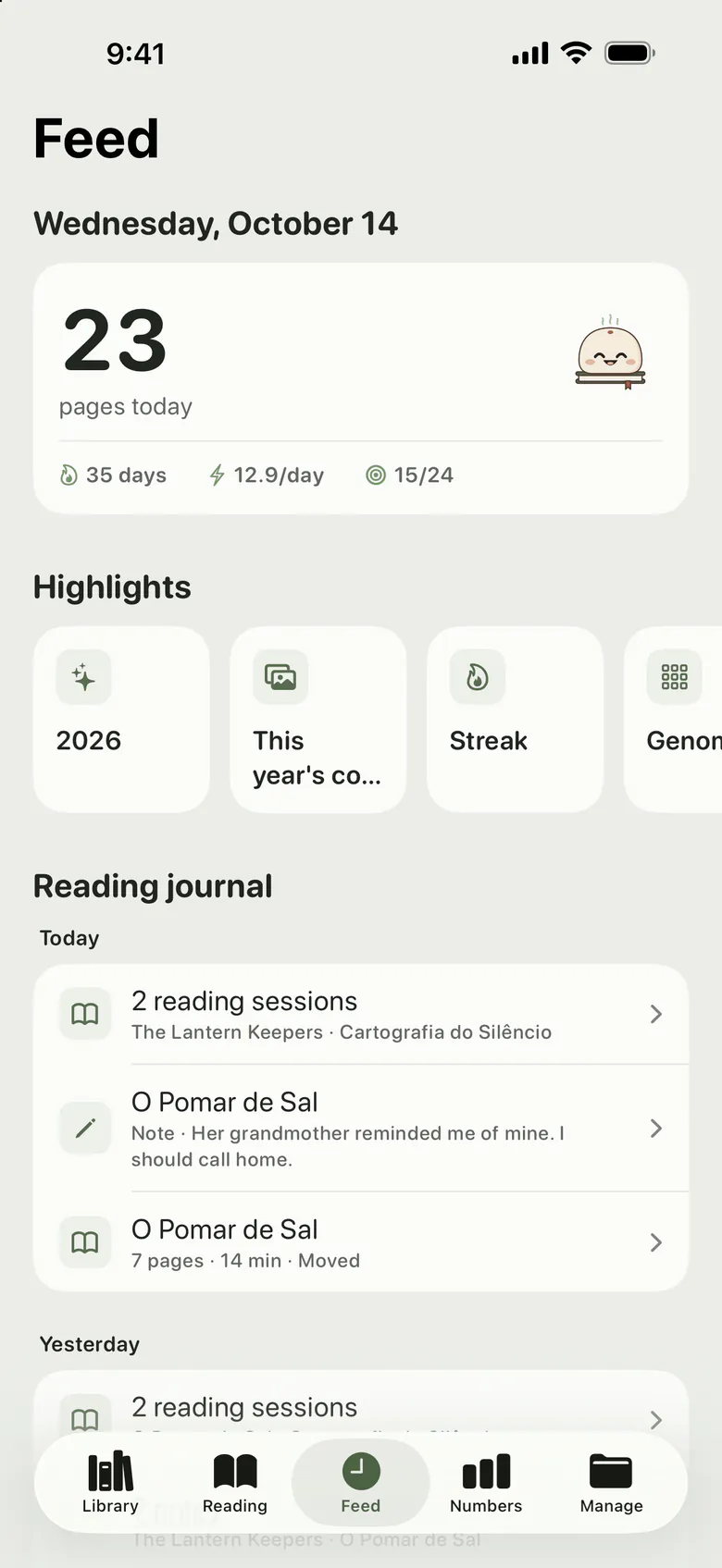
FeedDousha Plus
A diary that writes itself
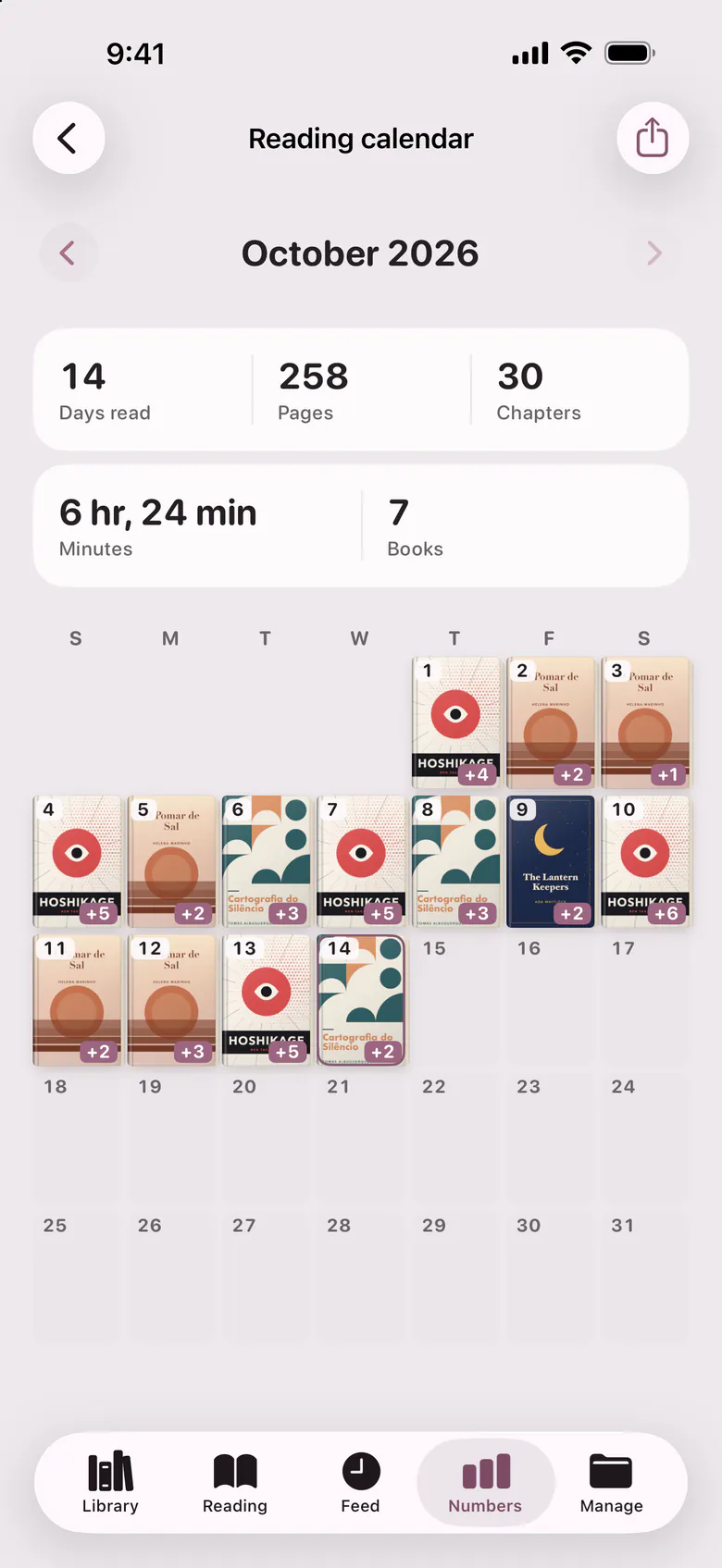
Every session, note and quote lands on the day it happened, so a reading can be scrolled back through like a journal.
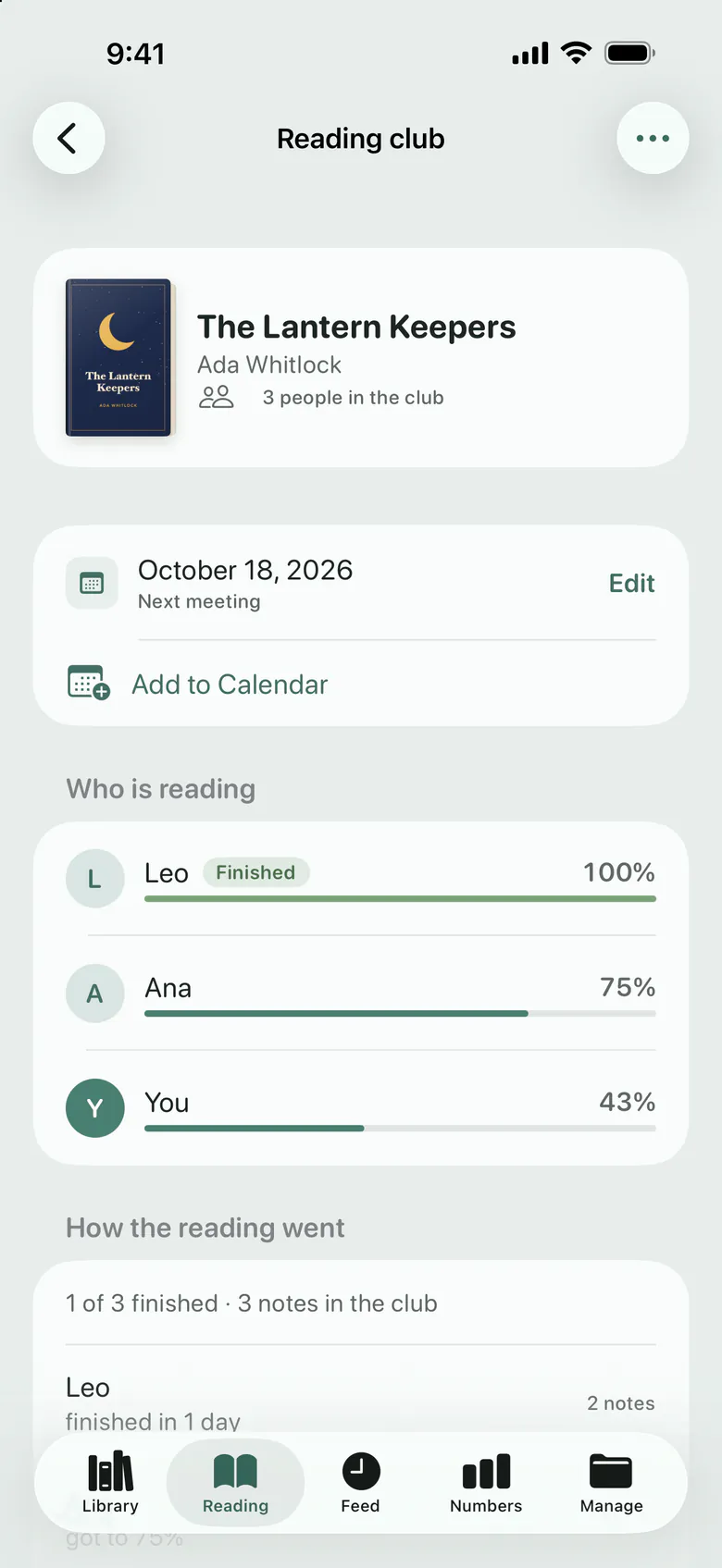
Reading clubDousha Plus
Read along with friends
Start a club on a book and invite whoever is reading it too. Everyone sees where the others are, and a shared note stays folded until you reach its page.
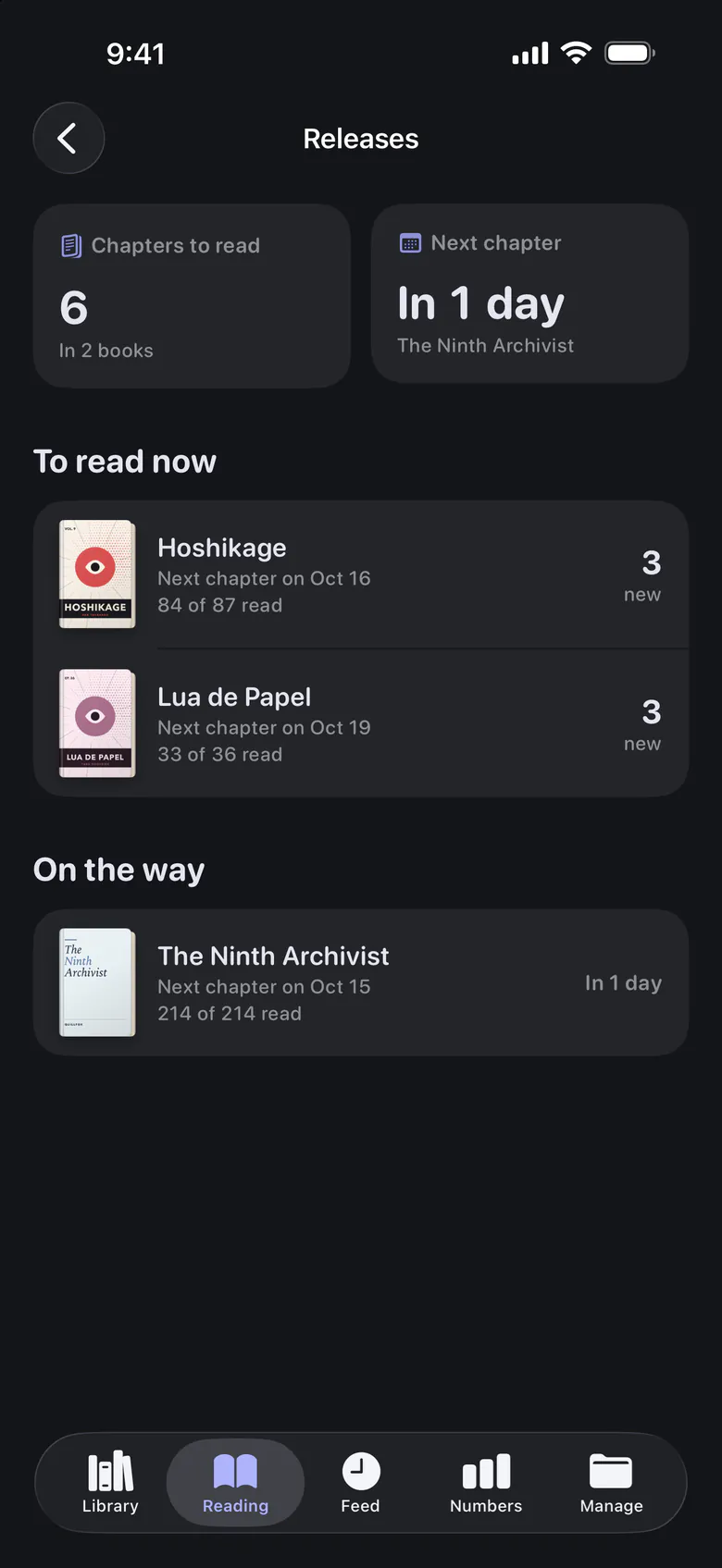
Releases
For what is still being written
Manga, webtoons and web novels show how many chapters are out, how far you have read and when the next one is expected. And a digital book can be a file, a licence or a subscription, which the app keeps apart.
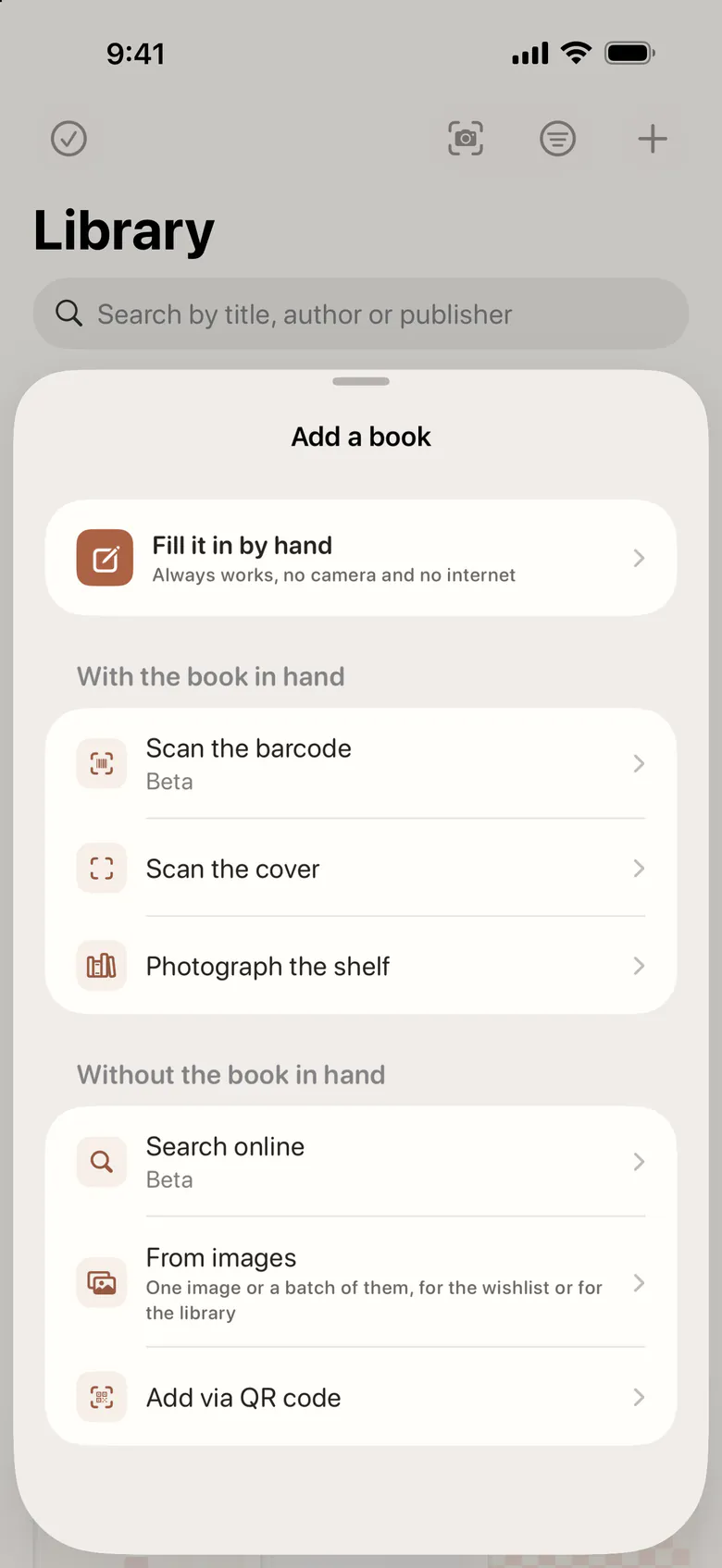
Adding books
A book in seconds
Scan the barcode or the cover, search online, pick several screenshots at once, or bring your library from Goodreads or StoryGraph and your Kindle highlights. The recognition happens on the device.
More screens
Fifteen palettes, light and dark
Every screen on this page was drawn in a different one of the app’s palettes. Four come free and the rest with Plus.
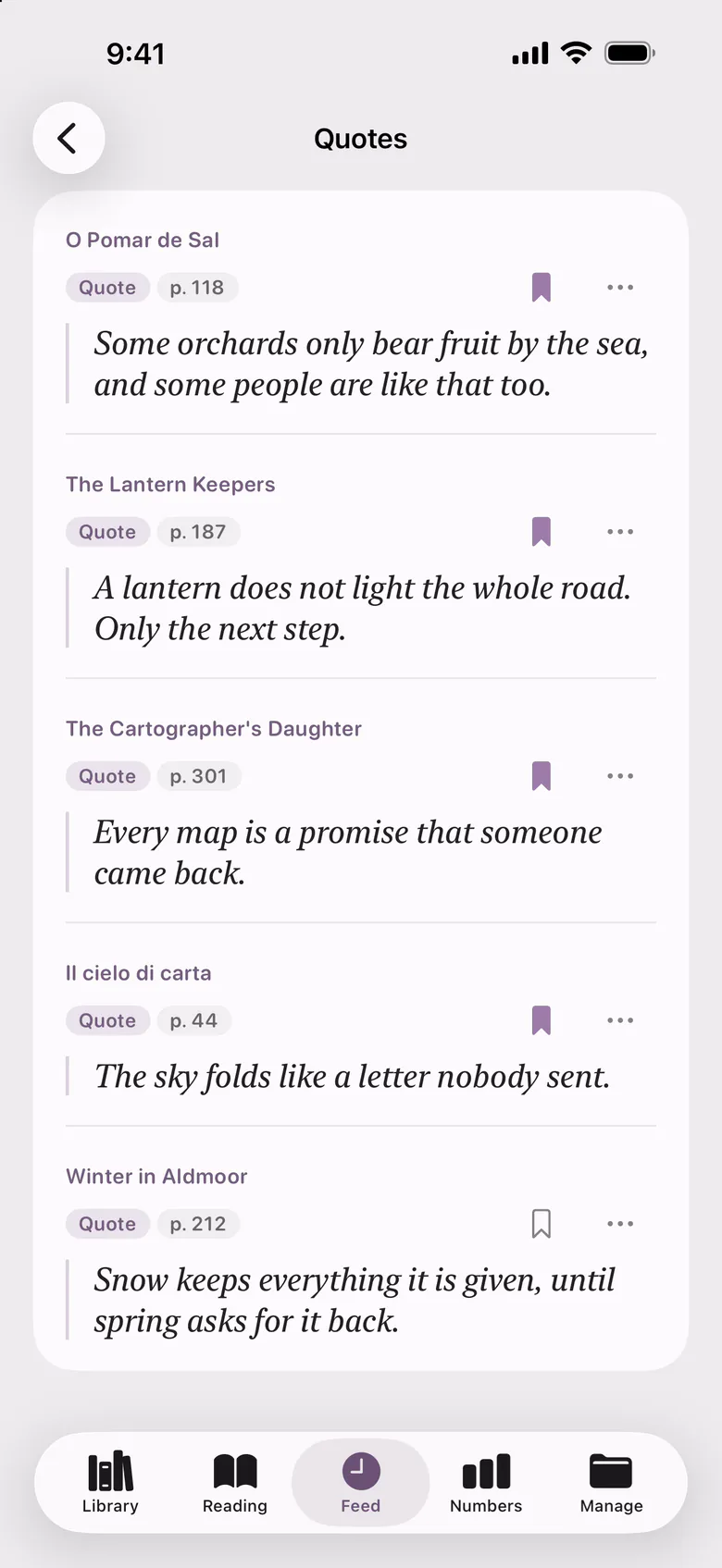
The lines that stayed
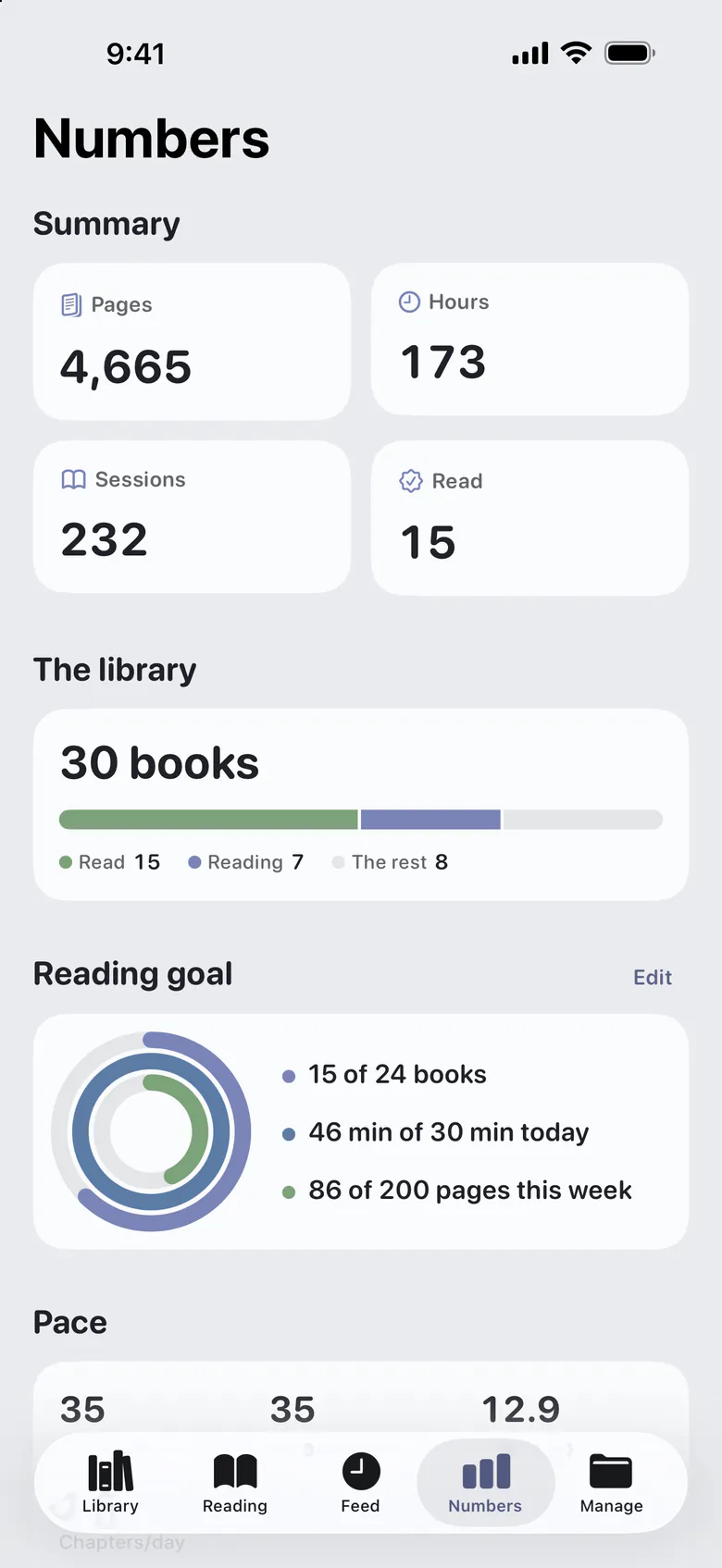
Your totals and your goal
- Dousha Plus
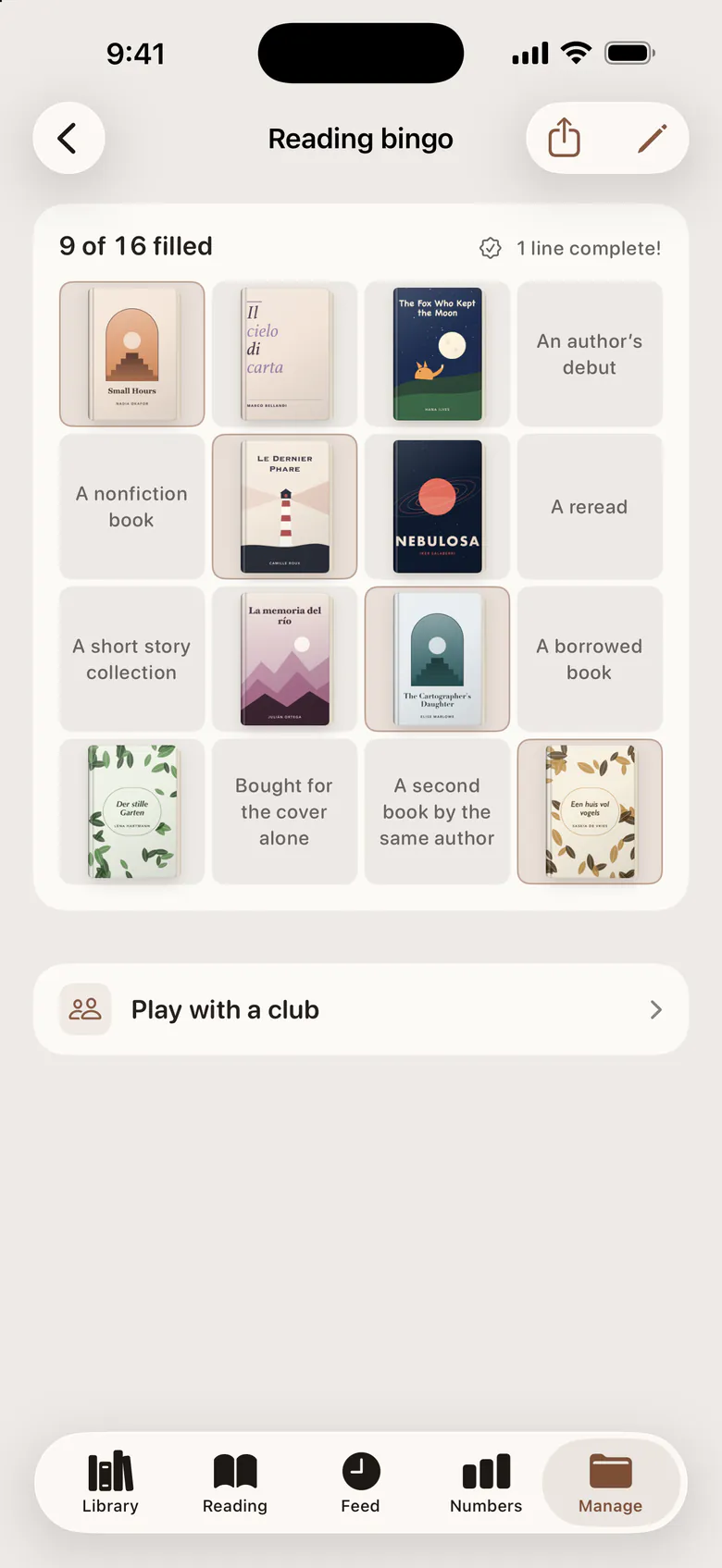
A bingo card for the year
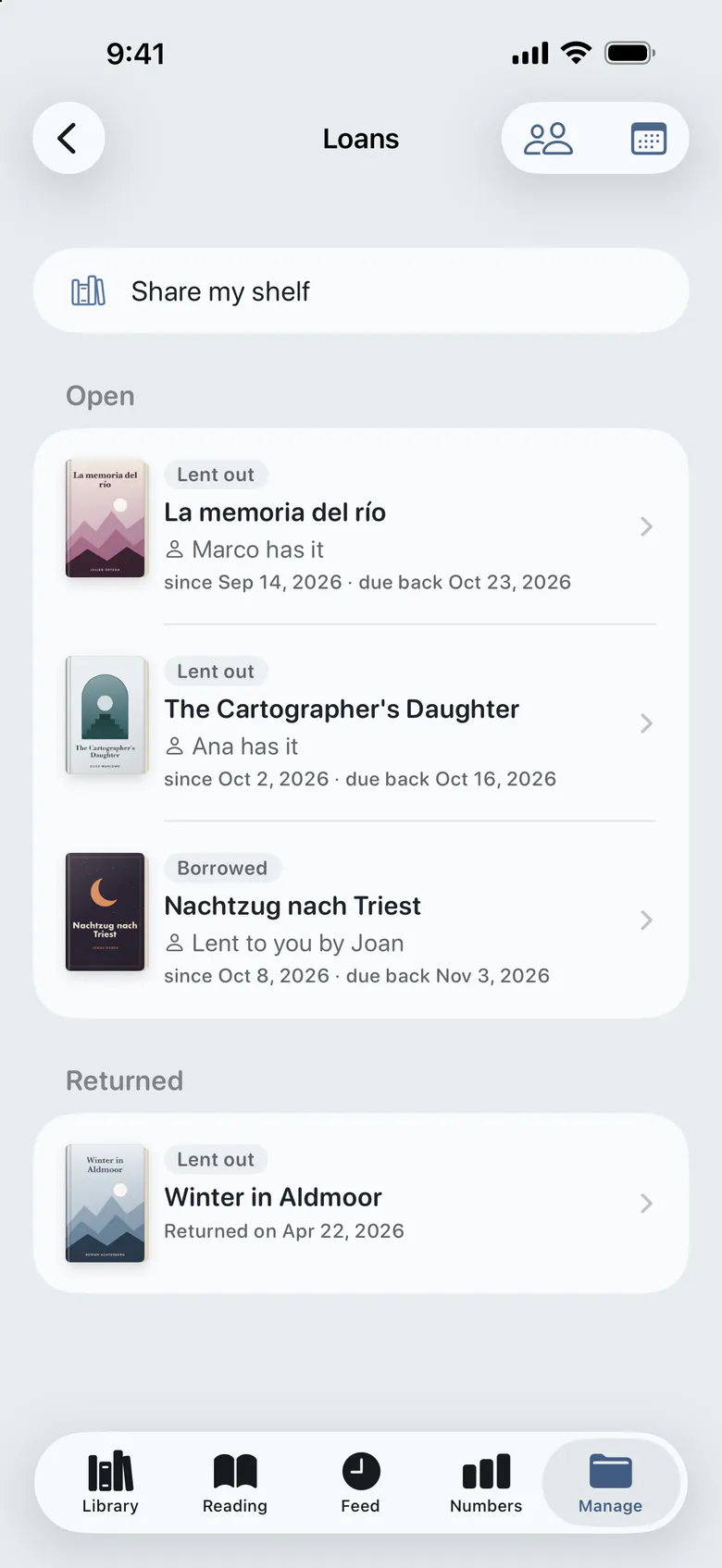
Who has which book
- Dousha Plus
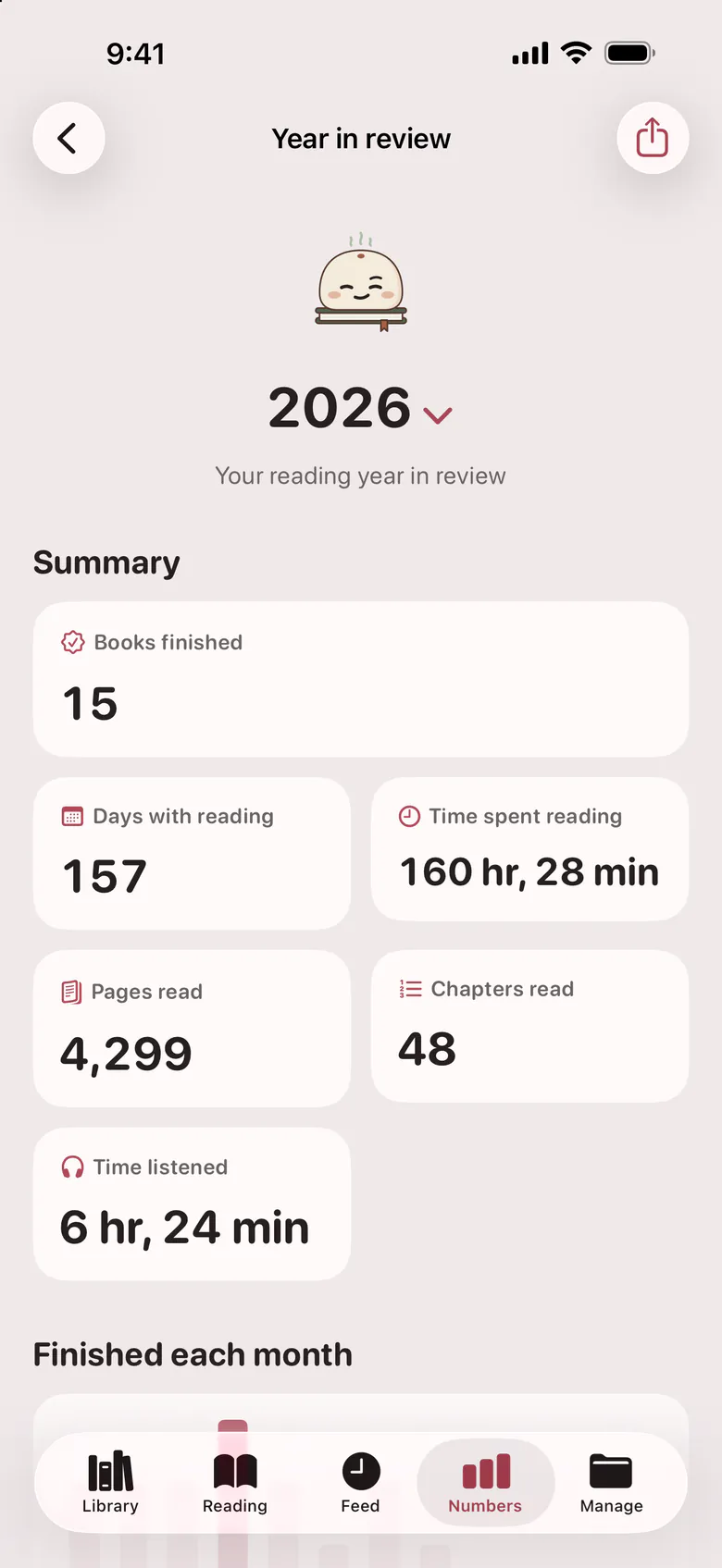
Your year in review
- Dousha Plus
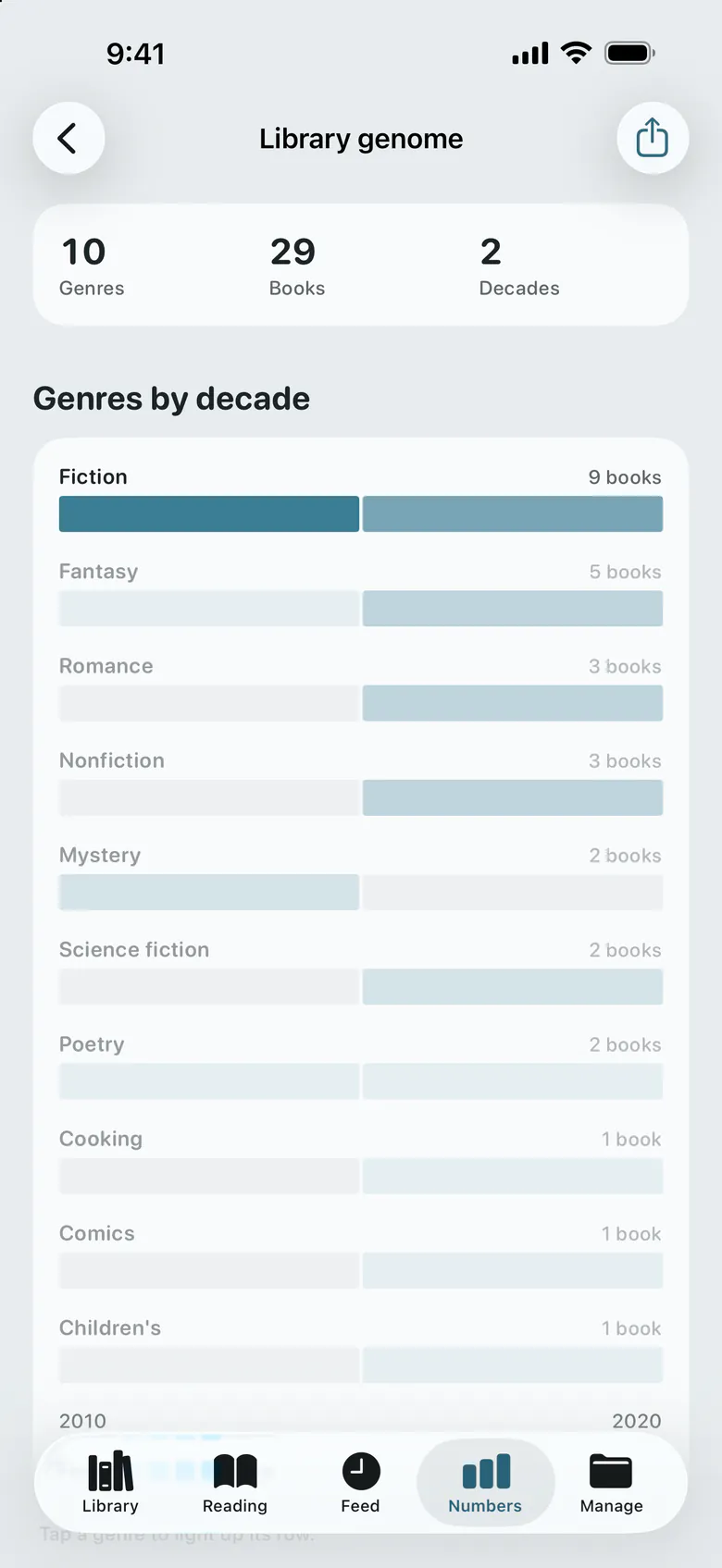
What your shelf is made of
iPad
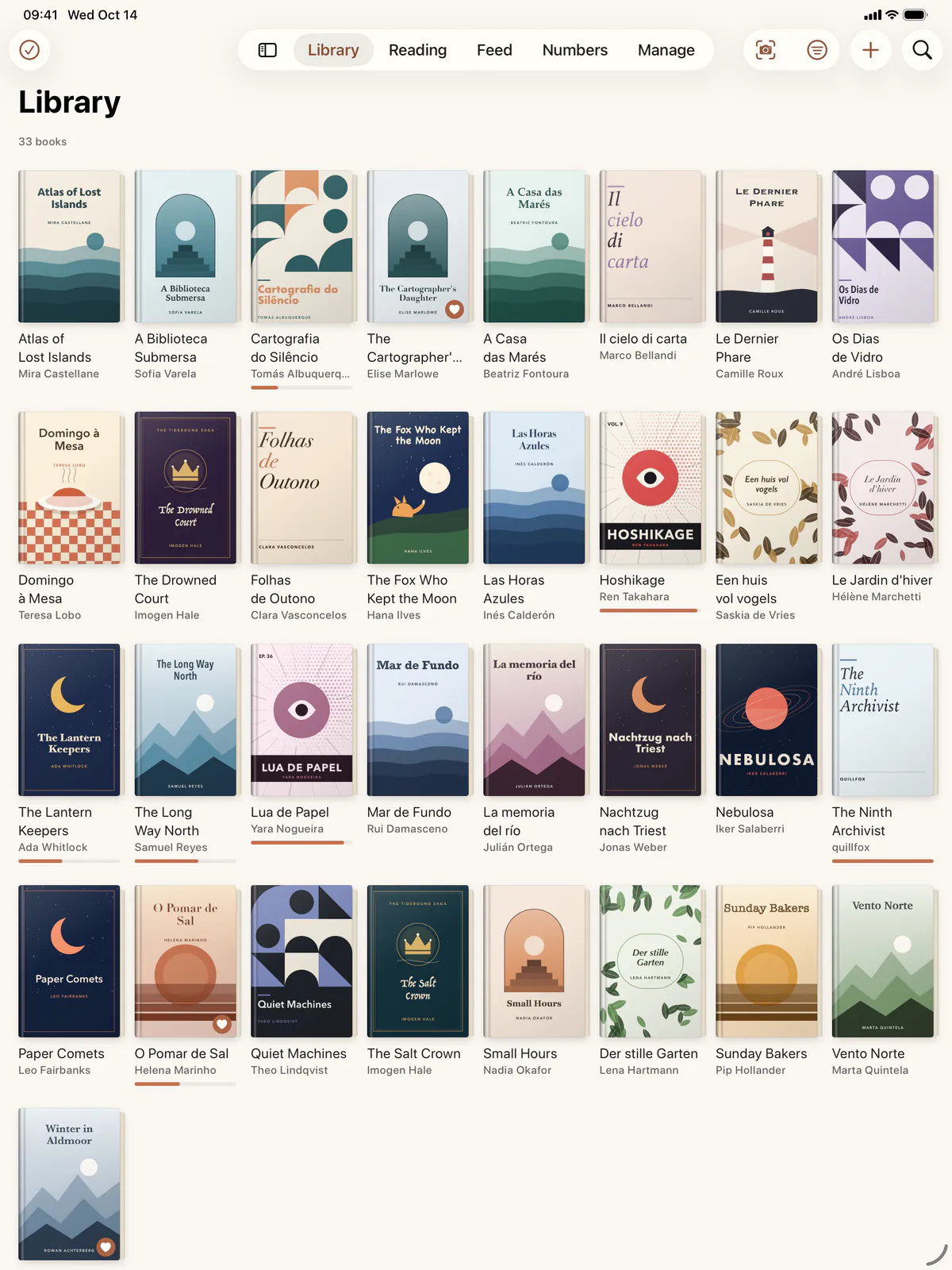
The same library on a bigger page
Dousha is made for the iPad too, with a sidebar, drag and drop and keyboard shortcuts. Your iPhone and iPad stay in step through your own iCloud.
Dousha Plus
The library is yours, subscription or not
Plus adds a layer on top of your reading. Adding books, logging sessions, syncing with iCloud and walking away with everything in a backup stay free, forever.
Free forever
- Books, shelves, collections and series, with no limit
- Adding by barcode, cover, online search, screenshots or QR code
- Bringing your library from Goodreads, StoryGraph, Kindle or a spreadsheet
- Reading sessions, progress, notes, quotes and releases
- Your totals and your yearly goal
- Loans, a shared wishlist and a household collection
- Sync through your own iCloud, and export everything whenever you like
With Plus
- The numbers: pace, streak, the reading calendar and your chronotype
- The Feed and time capsules
- Posters, quote cards, the year in review and the shelf genome
- Reading clubs, bingo, challenges and what to read next
- Photograph a whole shelf in one go and add every book on it at once
- Widgets, the Live Activity, Siri and the rest of your devices
- App icons, eleven more palettes and your own share style
No account. No ads. No behavioural profile.
Your library stays on your devices and in your own iCloud, which syncs from the first launch and can be turned off. What else leaves is what you ask for: the search you type, the barcode you scan and the subscription check with the App Store.
Read the privacy policy